Image Splitter
Split merged images into clean, separate files.
Use the image splitter online for stitched screenshots, comparison sheets, merged photos, and general collage cleanup. Upload once, keep the cuts that already work, and fix only the few lines that still miss.
- 3 free splits to test with real images
- Best for general merged-image cleanup
- Paid packs unlock batch cleanup
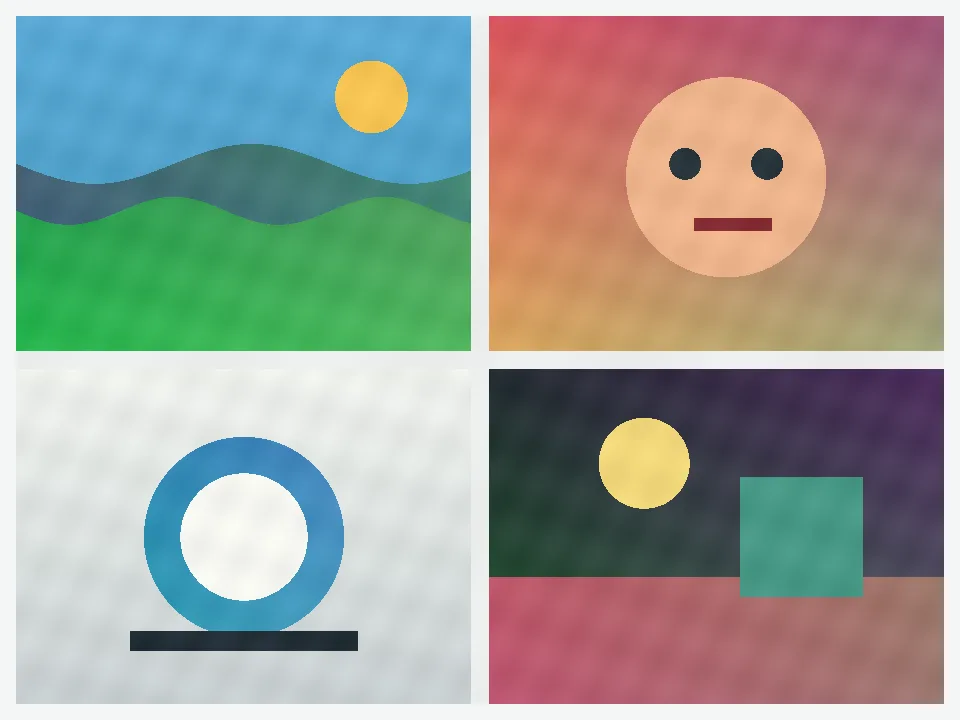
Auto split first, then touch only the lines that still need help.
Result
See the kind of cleanup people actually pay for.
This page is the broad entry point. It fits the messy middle: merged screenshots, comparison sheets, stitched photos, and collage files that need a quick cleanup before export.
- Upload one stitched image
- Keep auto split first
- Download the full set in one pass
Start with auto split, then move only the line segments that still cross the wrong place.
Why people pay
Paid packs are worth it when this is not your last image today.
Keep moving through a queue
Batch import and repeat splitting are the first reasons people leave the free trial.
Keep the files sorted
Downloads stay numbered, which matters when you post in order or hand off the set.
Keep credits ready
Buy once, come back later, and keep working from the same balance.
Best fit
This page works best when the real problem is cleanup, not design.
- Stitched screenshots and comparison sheets
- Merged photos that should become separate files again
- Collage exports that need cleanup before download
Auto split should handle the first pass. If one or two cuts miss, move only those line segments instead of redrawing the whole image.
Use Split Image Online for equal rows or columns. Use Instagram Grid Maker when posting order is the real problem.
Questions
What people usually need to know before they try this page.
Can I split a stitched screenshot or comparison sheet?
Yes. This page is built for merged images that should become separate files again, including screenshots, comparisons, and stitched exports.
Do I need Photoshop just to clean up one merged image?
No. Start with auto split, move the few cuts that still miss, then download the files in order without opening a design tool.
Does one upload always use one split?
Yes. One uploaded image uses one split even if that image turns into several separate files.
Next step
Use the free splits first. Move to Creator when the cleanup starts repeating.
Use this page when the problem is a merged image. Switch to the more specific pages only when the layout is already obvious or the posting order matters more than cleanup.