Upload files
Drop in a JPG, PNG, or WebP image from your device and start splitting right away.
Features
Collage Splitter covers the full path from import to download: file upload, direct image URLs, batch work for paid accounts, automatic or fixed split modes, quick line fixes, numbered downloads, and export settings.
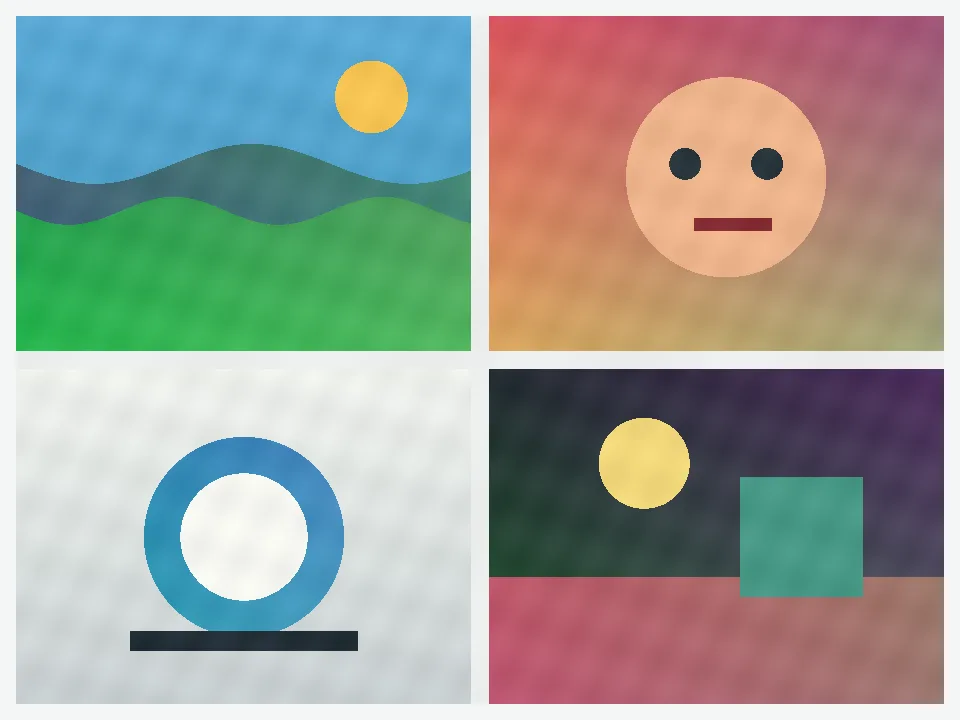
Start with one merged image, keep the good cuts, and download the full set in the order you need.
Import and queue
The tool starts with normal uploads, but it also supports direct image links and paid batch work when one job turns into a queue.
Drop in a JPG, PNG, or WebP image from your device and start splitting right away.
Import a direct image URL when the file is already online. Paid accounts can paste several URLs and keep the same setup.
Paid packs unlock multi-image work so you can split a queue without restarting from scratch after every image.
Split options
Automatic seam detection is the fastest starting point for stitched images, AI collages, and mixed layouts with visible borders.
Use 2x2, 3x3, carousel, rows, or columns when the layout is already regular and you do not need detection.
Draw your own selections when the job is too irregular for auto or fixed presets.
Review and export
The tool is built to keep the review pass short and the exported files ready for posting, sorting, or reuse.
Drag single line segments, delete a bad cut, or reset the auto lines without redrawing the whole image.
Downloads stay numbered in reading order, reverse order, or Instagram grid order so you can publish without guessing.
Download PNG, JPG, or WebP and adjust resize, overlap, margin, and quality before exporting the final set.
Best fit
Read this page once if you want to know what the tool can do before you open the heavier controls.
Come here when you need to remember which import, preview, or export option is worth turning on for a larger run.
When the job is clearly an Instagram grid, AI collage, or simple fixed split, the dedicated pages stay faster to scan.
Route pages
Use this page for merged images, stitched screenshots, and broad collage clean-up.
Fixed layouts Split Image OnlineUse this page when the job is rows, columns, or a regular equal grid.
Posting order Instagram Grid MakerUse this page when the real problem is which tile should be posted first.
AI outputs AI Collage SplitterUse this page for four-panel generations, prompt sheets, and stitched AI outputs.
Creative posts Burst GridUse this page for reveal posts, story slices, and creative swipe layouts.
Related guides