Compare, keep, and export the useful ones without hand-cropping every tile.
AI Image Splitter
Split AI collages into separate images.
Use this AI image splitter for Midjourney, GPT Image, and other stitched outputs. Let auto split find the seams first, then fix only the cuts that still miss.
- Best for stitched AI outputs
- Built for four-panel and comparison runs
- Paid packs unlock batch cleanup
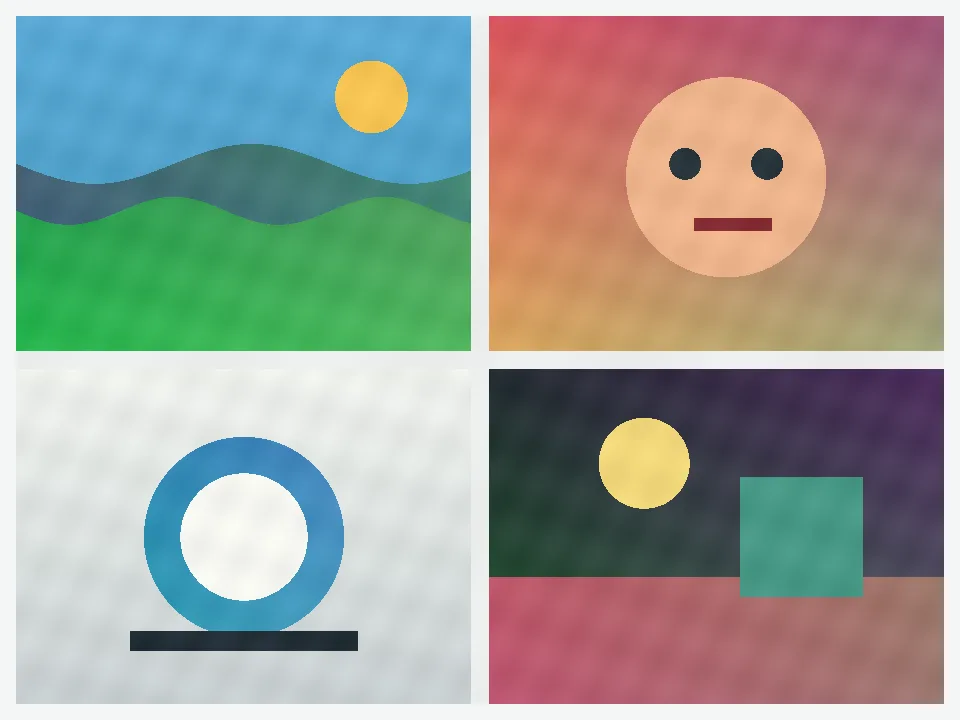
Output 01
Output 02
Output 03
Output 04
The paid moment usually starts when one prompt session gives you several stitched results to keep.
Result
Keep the generated set usable as separate files.
This page is for AI output cleanup, not general design work. It fits the common case where one prompt run leaves you with several stitched results you want to keep as separate files.
- One collage in
- 4 clean outputs out
- Download the batch faster
Keep the good auto seams, move the wrong ones, and turn one stitched result into a reusable set.
Why people pay
Paid packs fit the moment one generation session creates several collages to clean up.
One session, several collages
Paid packs help when one prompt run produces more than one stitched result worth keeping.
Repeat cleanup stays cheap
Creator works when AI collage cleanup becomes part of a normal daily batch, not a one-off fix.
Studio fits larger runs
Studio lowers the cost when several merged outputs need to be separated in the same session.
Best fit
This page is strongest when one generation run leaves you with several tiles to keep.
- Four-panel generations from one prompt run
- Comparison sheets from prompt testing
- Merged output boards you want to save as separate files
AI outputs are often close to a grid without being perfectly aligned. Auto split should save most of the work, then you move only the line segments that cross the wrong place.
If the file is already a perfect row, column, or Instagram grid, the simpler pages are faster. This page is for uneven stitched AI results.
Questions
What AI image users usually need answered first.
Does this work for four-image AI panels?
Yes. That is one of the main use cases. Upload the stitched panel, keep the good cuts, and adjust only the seams that still miss.
Can I split merged prompt comparisons and output sheets?
Yes. This page is built for stitched AI results, including prompt comparisons and output sheets that need to become separate files again.
What if one generated tile is larger or off-center?
Start with auto split anyway. If one tile breaks the pattern, move the nearby line segments or use custom selection for that one case.
Next step
Start with the free splits. Move to Creator or Studio when the AI queue becomes real.
Use this page when the source is an AI output board. If the layout is already a strict row, column, or Instagram grid, move to the simpler pages instead.