1. Start with auto split
Most AI panels have clear enough borders for the first pass. Let the tool place the seams before you touch anything.
Guide
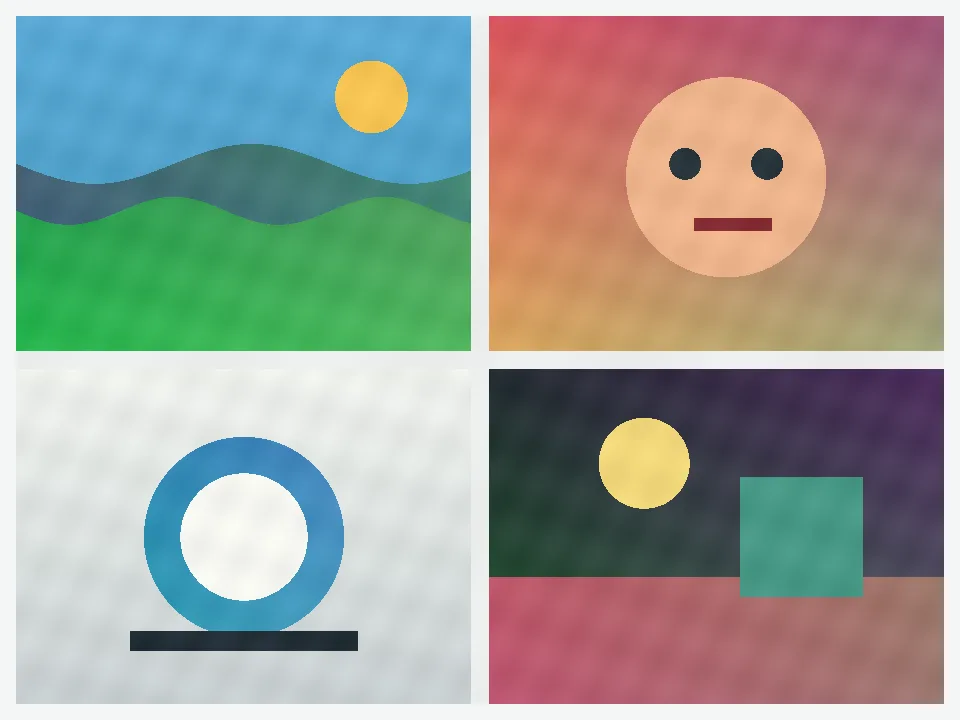
The usual problem is not finding a perfect cut on the first try. The real job is getting from one stitched AI result to a clean set fast. Start with auto split, then fix only the few seams that still cross the wrong place.
Steps
Most AI panels have clear enough borders for the first pass. Let the tool place the seams before you touch anything.
If one border is uneven or off-center, drag only the nearby line segments. Do not rebuild the whole image unless the collage is truly irregular.
Keep the numbered files in order so you can review, upload, or hand off the generated images without extra sorting.
Best fit
This guide fits the common AI case where several generated images are stitched into one frame and need to become separate files again.
AI output borders are often close to a grid without being perfectly aligned. That is why the fastest path is still auto split first, then a short cleanup pass.
If the file is already a perfect row, column, or Instagram grid, use the simpler pages instead of treating it like an AI collage problem.
Common mistakes
You usually do not need to rebuild the whole layout. Let the first pass handle most seams, then fix only the segments that still cross the wrong tile.
Many AI outputs look like a clean grid but still have slightly uneven borders. Plan for a quick cleanup pass instead of expecting a perfect first guess.
If the image is already a clear row, column, or Instagram grid, the simpler pages are faster. This guide is for stitched AI boards that still need seam cleanup.
Related pages